
Make your mobile app AI-powered
Describe it, preview it on your phone, ship it.
Start building free →A year ago, "AI-powered" was the marketing line you slapped on a feature you'd shipped specifically to put AI in the App Store description. Today it's the baseline expectation. A diet tracker without photo recognition feels broken. A note app that doesn't summarize feels broken. A budgeting app that can't read your statements feels broken.
The good news is that the cost of adding real AI features to a mobile app collapsed in the last 18 months. The bad news is that most builders still treat it as a separate integration — wire up a SDK, manage an API key, build the prompt pipeline, handle errors, retry on rate limits, render a loading state. By the time you've finished plumbing, the feature is half-shipped.
The way Fastshot handles this is different: AI capabilities aren't a separate integration. They're part of the prompt that describes the app.
What that looks like in practice
You describe the app the same way you'd describe it to a friend, and you mention how AI should help. Some real prompts that work:
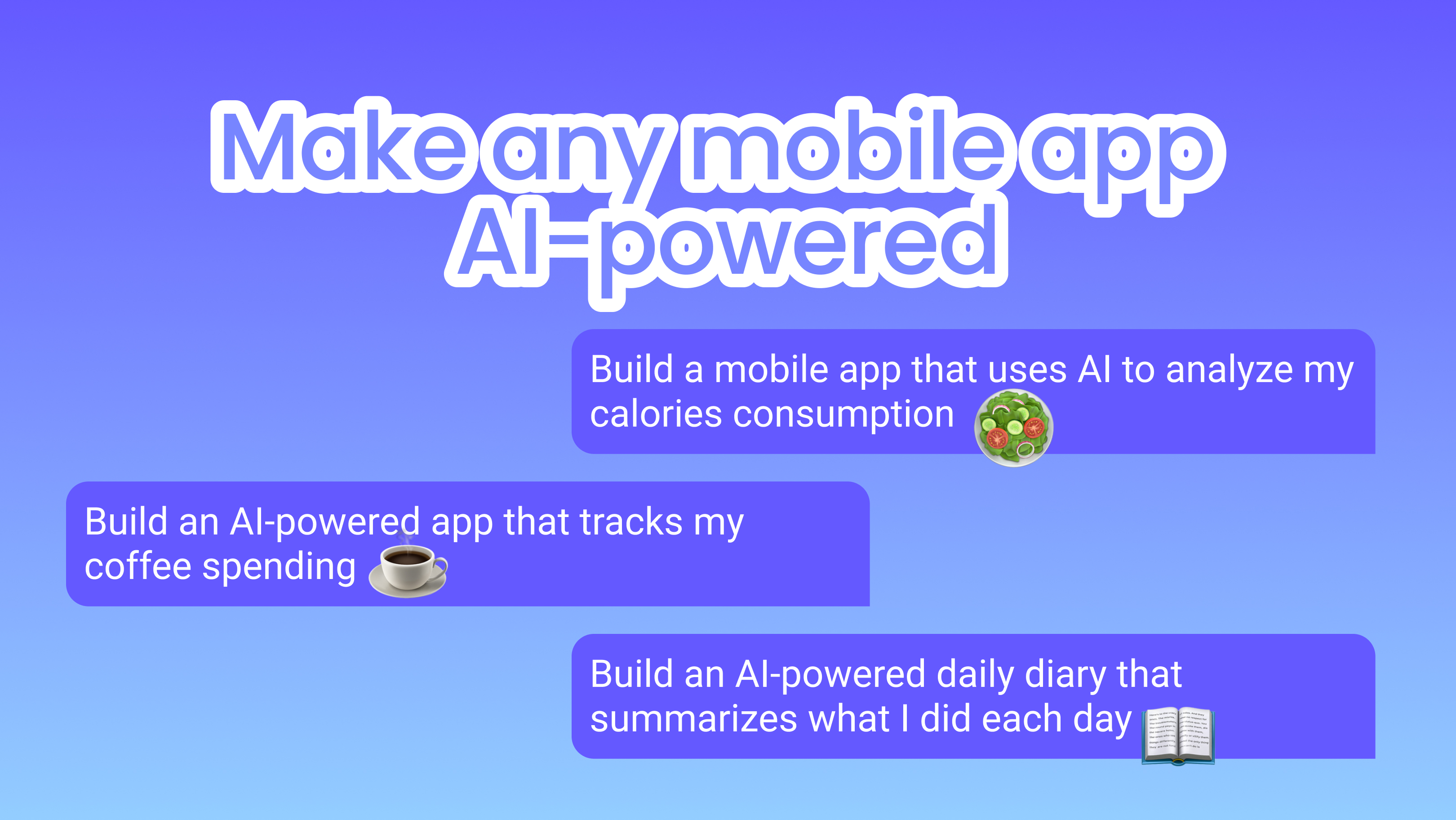
Build a meal tracker that lets users snap a photo of what they're eating, identifies the food, and logs calories and macros automatically.
Build a journaling app that summarizes my week every Sunday and highlights themes I've been writing about.
Build a coffee tracker that learns my caffeine patterns and warns me when I'm about to overcaffeinate.
What gets generated isn't a static screen with a "powered by AI" button bolted on. It's a working app where the camera flow, the prompt to the model, the response handling, the loading state, the empty state, and the persistence are all wired together. The AI calls go through Newell, our routed gateway, so you don't manage keys, quotas, or model fallback yourself.
The categories where this changes the product, not just the marketing
Some app categories barely benefit from AI — a flashlight, a tip calculator, a step counter. Adding "AI" doesn't make any of those better, and we'd push back on the prompt if you tried.
The categories where AI changes the actual product are the ones built around messy human input. Health and food tracking is the obvious example: typing "two slices of pepperoni pizza, a coke, and half a salad" into a logger has been the painful step in calorie counting forever, and a vision model removes it. Personal finance is another — categorizing transactions used to mean either picking a category from a dropdown or training your bank's classifier through corrections. A model that reads the merchant name and the amount is correct on the first try most of the time.
Productivity apps benefit when the AI is genuinely connected to the user's content. A note app that summarizes notes you took at meetings is useful. A note app that generates fake meeting notes from a prompt is a parlor trick.
Content creation is the obvious category but also the most crowded. The bar is high — your image generator has to be either substantially faster, substantially cheaper, or substantially more focused than the dozen general-purpose tools already in the App Store.
Things to think about before you ship
Models cost money per request. If your app calls a vision model on every photo upload and you have a free tier, your unit economics break the moment the app gets popular. The fix is usually a free quota with a paid tier, or running the cheap classification step locally and only calling the expensive model when needed. Fastshot will set up monetization (Adapty or RevenueCat) when you ask for it, and the default templates already account for AI usage in the credit math.
Latency is the second thing. A model that takes four seconds to respond is fine for a "summarize my week" feature. It's not fine for a chat interface where users expect instant typing. If responsiveness matters, ask for streaming responses in the prompt — the generated code will hook up a streamed UI rather than a spinner.
Privacy is the third. If your app handles anything sensitive (health, finance, kids, journaling) you need to be deliberate about what gets sent to a third-party model. The generated code will use the routed gateway by default, but you can ask for on-device classification for the steps that don't need a frontier model.
A reasonable starting point
Pick the messiest manual step in whatever app you're building, and replace it with a model. That's almost always where AI earns its keep — not as a separate "AI" feature, but as the thing that turns a tedious form into a single tap. If your app's onboarding has a "tell us about yourself" form, that's a candidate. If it has a "pick a category" dropdown, that's a candidate. If it has a "describe what you ate" textbox, that's the example you've already seen.
Describe the app, mention how AI should help, and let the generated code handle the wiring.
Build it, don't just read about it
Describe the app you want and Fastshot generates real React Native code you can preview on your phone and ship to the App Store. No credit card to start.
Build my mobile app →