Build
high-quality mobile apps
And ship them to iOS and Android app stores without code, powered by AI.
Built by engineers from



Professional mobile
apps for iOS and Android
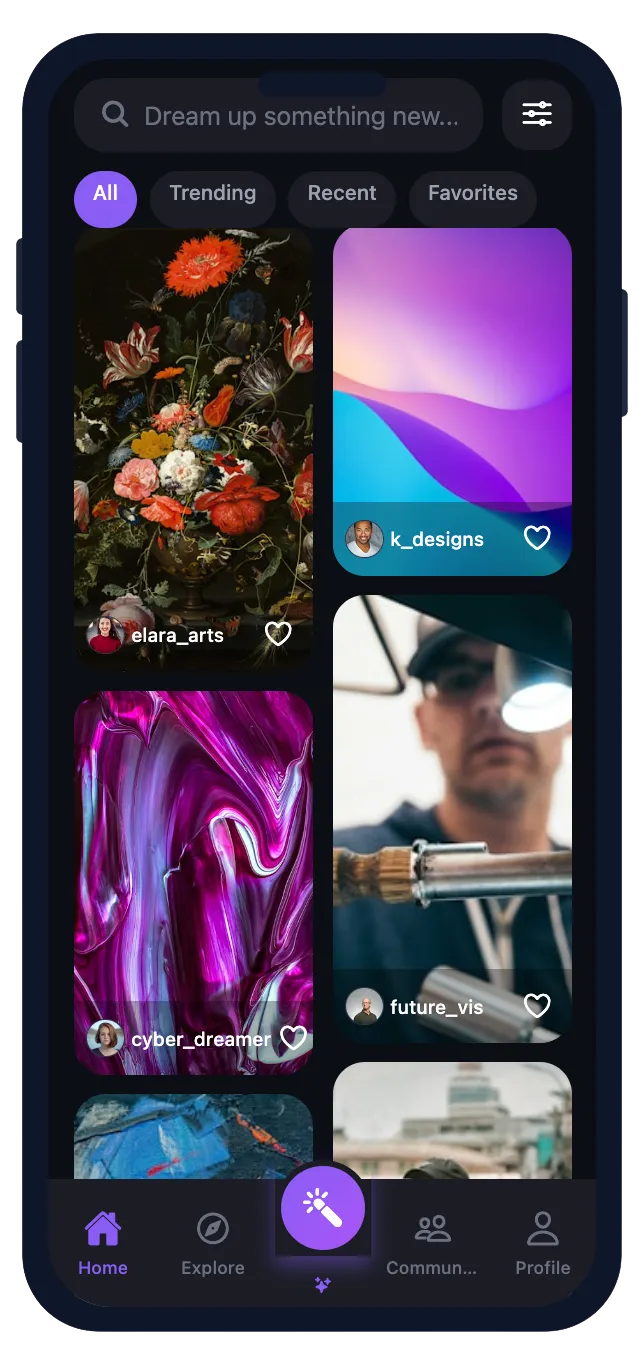
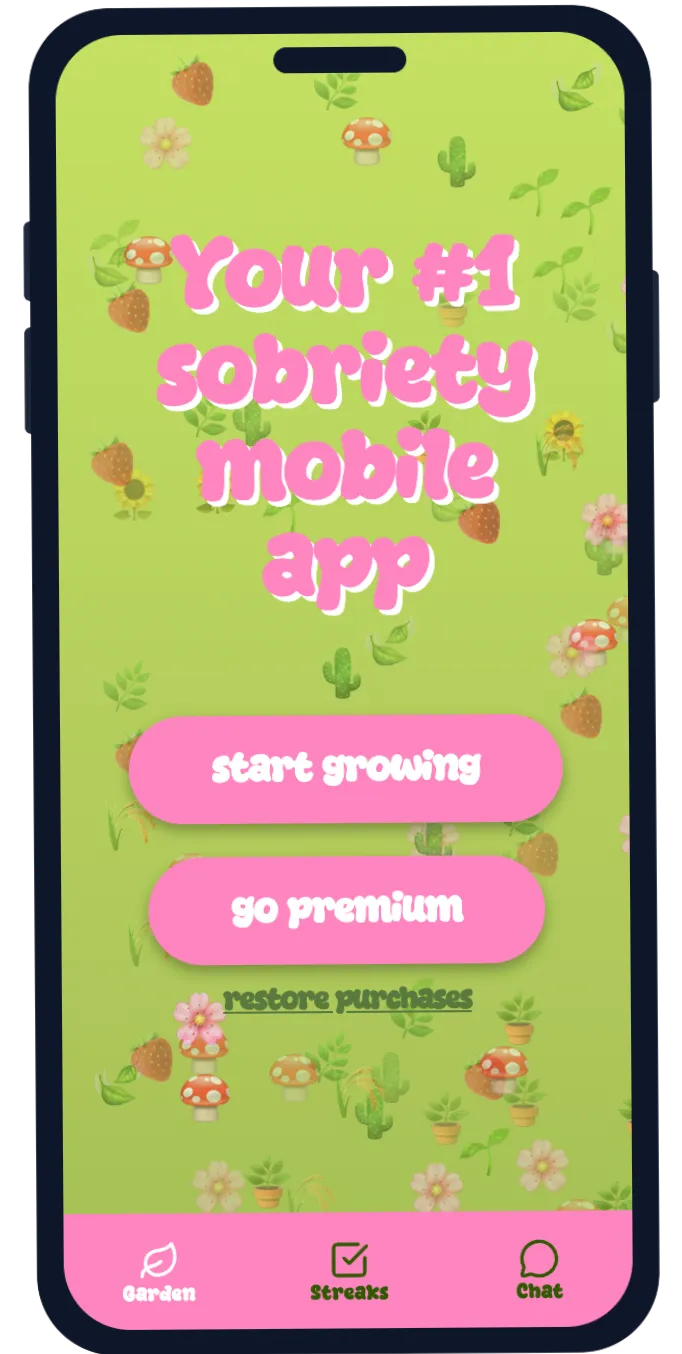
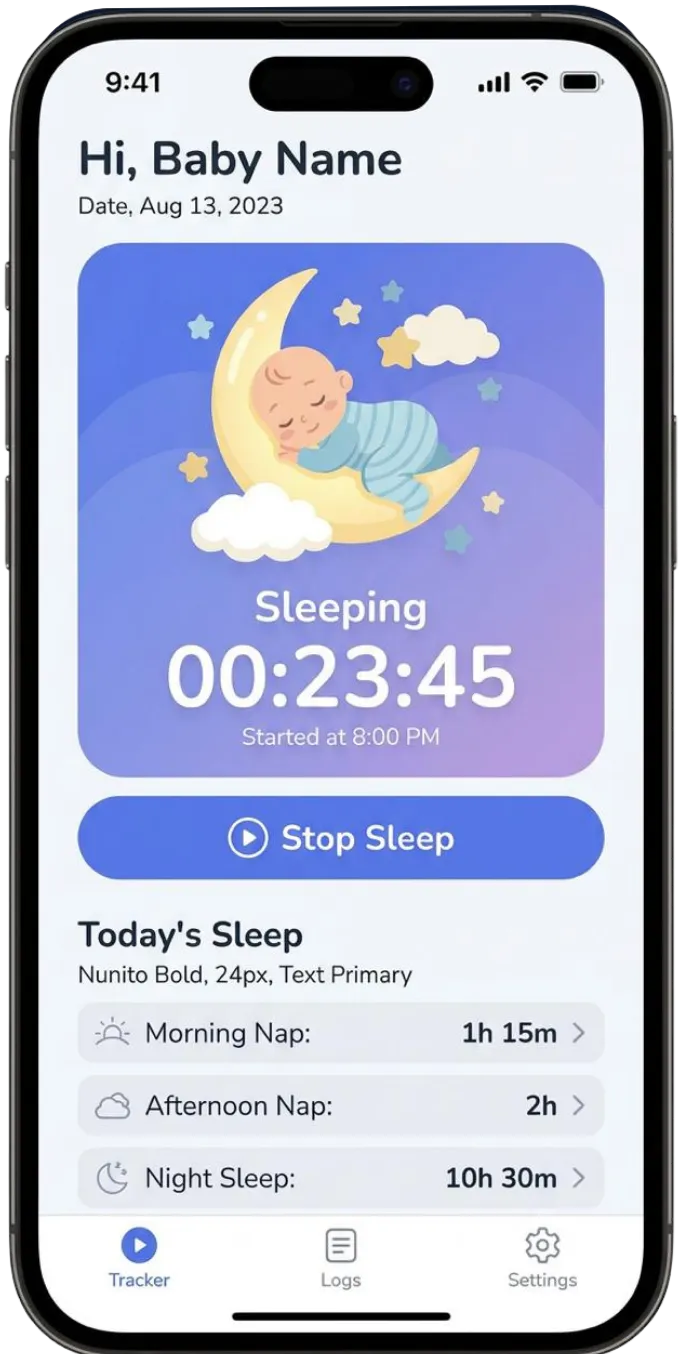
Fastshot is built on a unique multi-agent architecture powered by the latest SOTA models—Anthropic, Google Gemini, and Nano Banana—working together to handle design, assets, metadata, and functionality end-to-end.
True native iOS and Android apps, ready to ship to the App Store and Google Play.
Earn more with your apps
Add subscriptions, in-app purchases, and ads in one click.
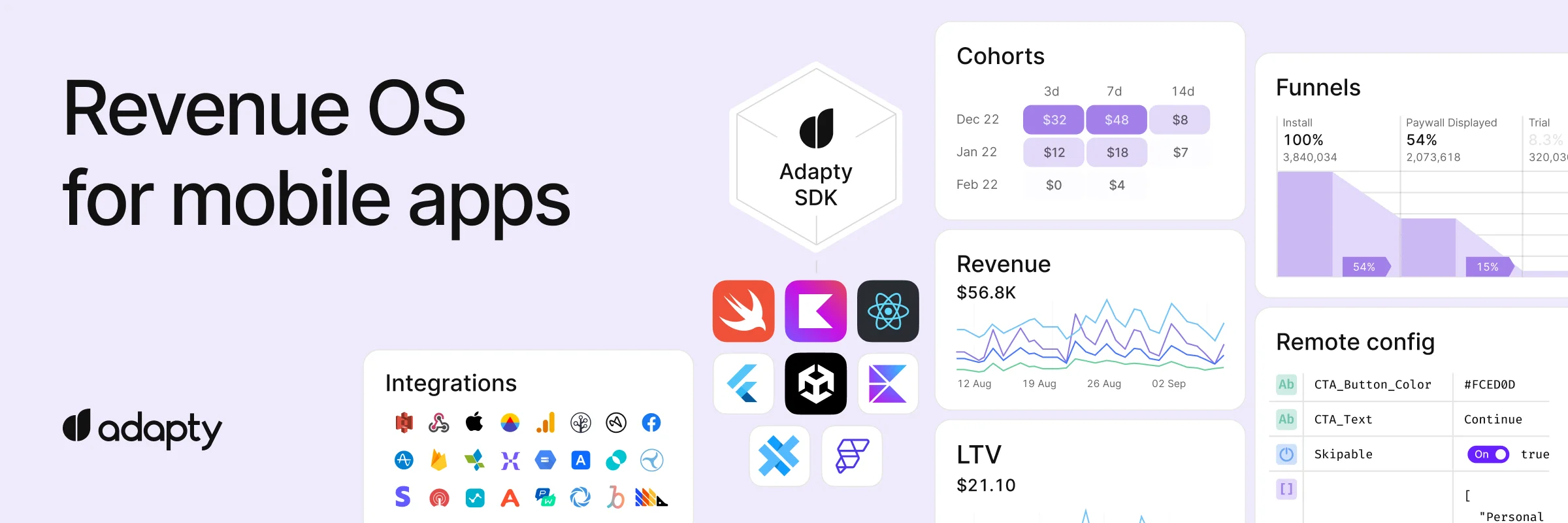
Mix and match monetization strategies to maximize revenue.
Launch your business
in simple steps
From idea to launch — without the long build cycle.
Describe your idea
Explain what you want to build in plain language. No code required.
Design, brand, and refine
Fastshot generates designs, branding, and assets. Review mockups and tweak until it feels right.
Build your app
Fastshot turns your approved design into a real native iOS and Android app.
Deploy with one click
Publish to the App Store and Google Play. Fastshot generates store metadata, screenshots, and docs.
No backend setup. No auth configuration.
Backend and auth — handled.
User accounts, data, Google & Apple sign-in, one click.
Add user accounts and data persistence instantly. Fastshot manages Supabase and Google and Apple authentication for you — no setup, no maintenance, no backend engineering.
Connect a Backend
Add a fully-managed Supabase backend with database, auth, and storage.
One click to launch on iOS and Android
True native iOS and Android apps, ready to ship to the App Store and Google Play.
Built with Expo, the industry standard for native mobile apps.