
AI App Builder:
Build Your Mobile App With AI
Start free: Fastshot, the AI mobile app builder, builds a complete iOS and Android app from a plain-English description: screens, data, sign-in and payments. The first version takes about 5 to 7 minutes, you test it on your phone, and Fastshot publishes it to the App Store and Google Play. No coding needed.
Can AI build a complete mobile app for me?
Yes. Describe your app in plain language, and Fastshot writes a complete iOS and Android app: screens, navigation, a Supabase backend if you need one, sign-in and subscriptions. The first version takes about 5 to 7 minutes. Refine it by chat, then publish it to the App Store and Google Play. Compare it with other AI app builders.
Last updated: November 12, 2026



One Prompt, Two Native Apps
An AI app builder is an app maker you talk to. Instead of dragging blocks around a canvas or learning Swift and Kotlin, you describe the app — its screens, its data, what a user does on it — and the AI writes the code. Fastshot writes it as a React Native + Expo project, which means one description produces a native iOS app and a native Android app at the same time. That is vibe coding for mobile.
That is the line between Fastshot and the AI builders you may already use. Lovable, Bolt.new and v0 generate web apps; their output runs in a browser. Fastshot targets the phone: camera, GPS, push notifications and biometrics are available because the app is native, and the result ships to the stores as an APK, AAB or TestFlight build rather than as a website behind an icon. Weighing other tools? See the best AI app builders in 2026, compared on output, store builds and code export.
It is also an app builder without code in the useful sense: you never have to write any, but the code is always there. Export it, push it to GitHub, hand it to a developer — the project is standard React Native, so anyone in that ecosystem can pick it up. Nothing is locked in a proprietary format.
Building starts free: describe the app and run it on your phone at no cost, then pay when you need more AI credits or a cloud build for the stores. Whether you are validating a startup MVP, launching a product, or turning a spreadsheet process into an app, the path is the same — describe, test, publish.
How to Build an App With AI, Step by Step
Describe the App
Write what the app does in plain English: the screens, the data it stores, what happens when a user taps things. One clear paragraph is enough to start; you can be as detailed as you like. The AI turns it into a complete React Native + Expo project.
Run It on Your Phone
Scan the QR code with Expo Go and the app opens on your own iPhone or Android device within minutes — not a mock-up, the real app. Tap through every screen and see what works.
Refine in Chat
Ask for changes the way you would ask a developer: “add a favourites tab”, “make sign-up email-only”, “use a dark theme”. Each change rebuilds the preview. Runtime errors are caught and fixed automatically.
Add What Real Apps Need
Ask for user accounts, a database or file storage and Fastshot can create and manage a Supabase backend for you. Need in-app purchases or subscriptions? Connect RevenueCat or Adapty in the Monetization tab and ask the AI to add them.
Build and Publish
Cloud builds compile the signed Android AAB and upload it to the Google Play track you choose, and compile the iOS build and upload it to TestFlight. Fastshot also generates App Store screenshots and helps fill in the listing metadata. No Mac, Xcode or Android Studio on your side.
A Real Prompt for an AI Mobile App Builder
For a habit tracker, a prompt that produces a credible first version: "A habit tracker app. Three screens: Today, Habits List, Profile. On Today, show today's habits with a checkmark to mark complete and a streak counter showing consecutive days. On Habits List, let the user add, edit, and delete habits. On Profile, show total streaks and let the user toggle dark mode. Use Supabase for auth and to store habits. Send a local push notification at 8am if any habits are uncompleted. Style: minimal, generous whitespace, off-white background." The principle: be specific about behavior, vague about visuals. Prefer a visual editor to prompts? The no code app builder page compares both ways.
Which AI Tools Can Build a Native iOS and Android App From a Prompt?
As of October 2026, Fastshot builds iOS and Android apps from one prompt and publishes them to both stores. Rork, Vibecode, Newly, OnSpace, Anything, Replit and Bolt.new also build mobile apps from prompts, each with its own output and publishing flow.
| Tool | What it builds | Builds and publishing | Code export |
|---|---|---|---|
| Fastshot | Expo React Native for iOS + Android, or native Kotlin Android | APK, AAB and IPA on its own build servers; publishes to the App Store and Google Play | Download or GitHub (paid plans) |
| Rork | Swift iOS, Kotlin Android, React web | Cloud builds (AAB + APK); built-in publishing with your own Apple and Google accounts | Yes, paid, via GitHub |
| Vibecode | Swift, React Native/Expo or web | Cloud builds; App Store submission built in | Yes, paid tiers |
| Newly | React Native / Expo | APK, AAB and TestFlight builds; uploads with your accounts | Yes: ZIP, GitHub |
| OnSpace | React Native / Expo | APK and AAB builds; App Store submission from OnSpace | Yes, GitHub |
| Anything | Expo (React Native) + web | TestFlight and Play beta builds; submits with your accounts | Yes: ZIP |
| Replit (Agent) | Expo (React Native) + web | Signed iOS builds through Launch; Android .aab | Yes: ZIP, GitHub |
| Bolt.new | Web by default; Expo (React Native) on request | Publishes through Expo EAS with your own accounts | Yes: ZIP, GitHub |
Real Apps Built With the AI App Builder
Every one of these started as a description in the chat and runs as a native app. Open one to try it.
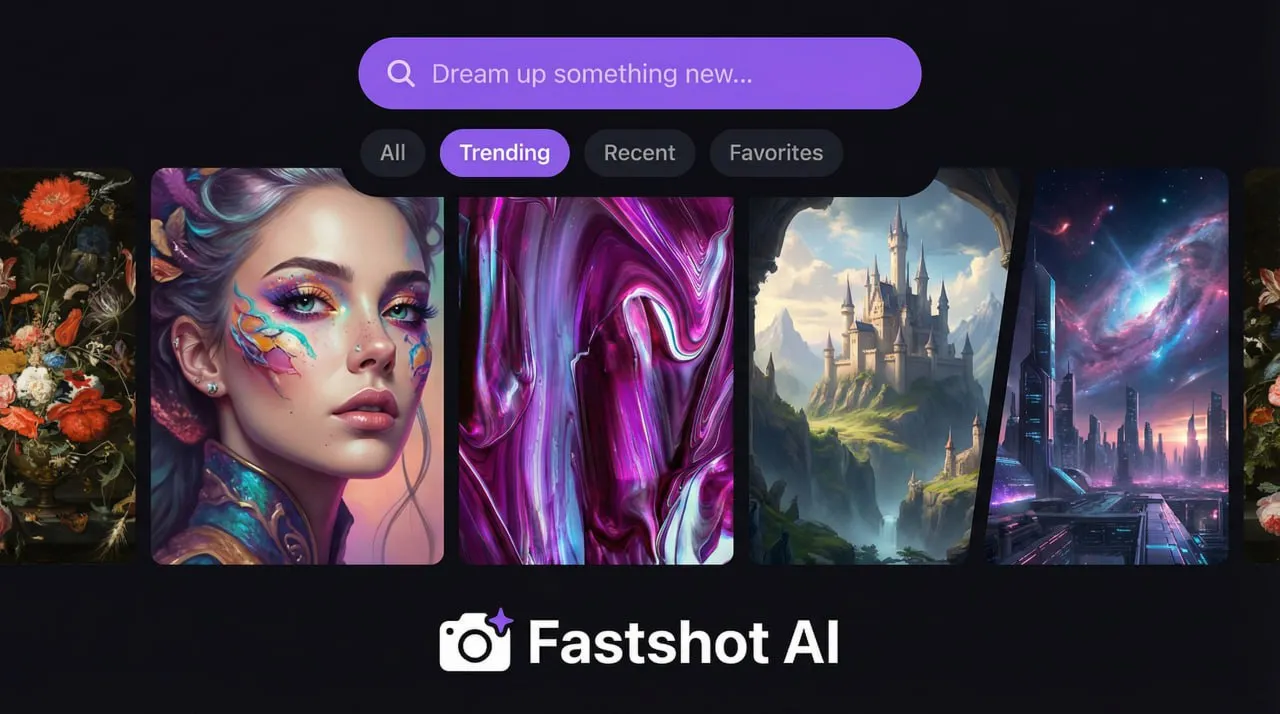
Art Genie
Dream up something new
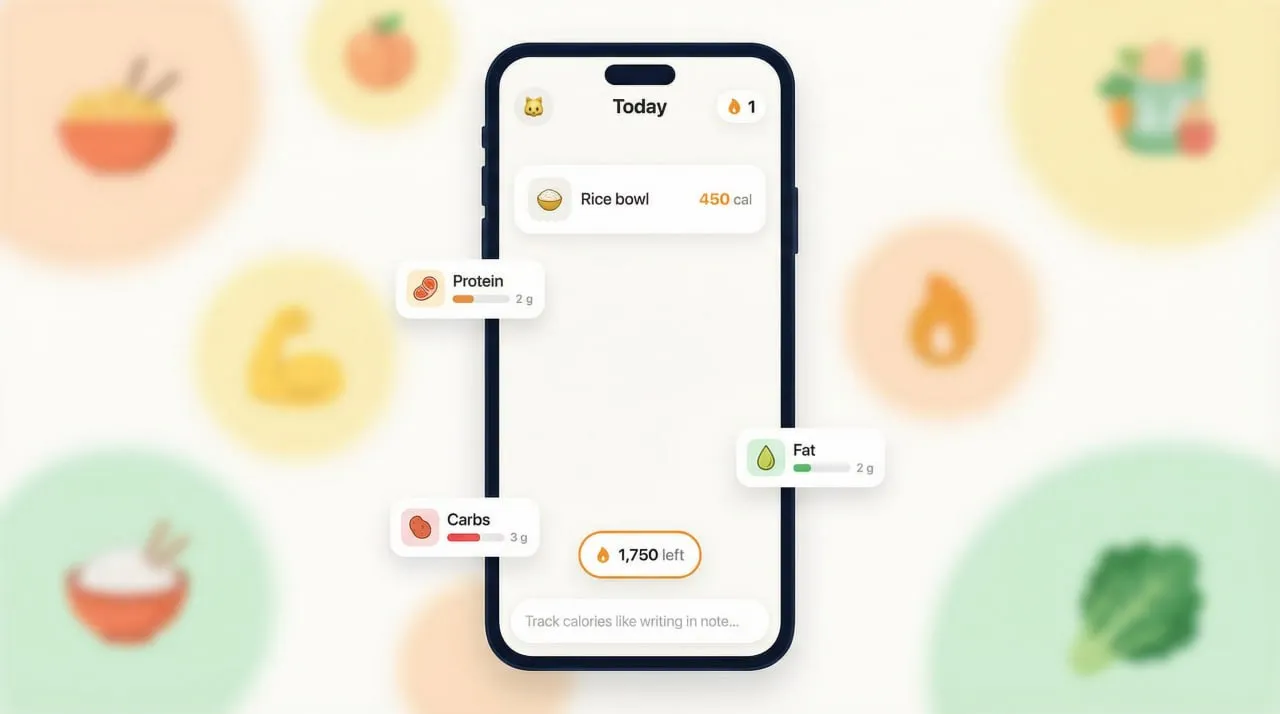
Nutrilog
Track calories like writing in notes
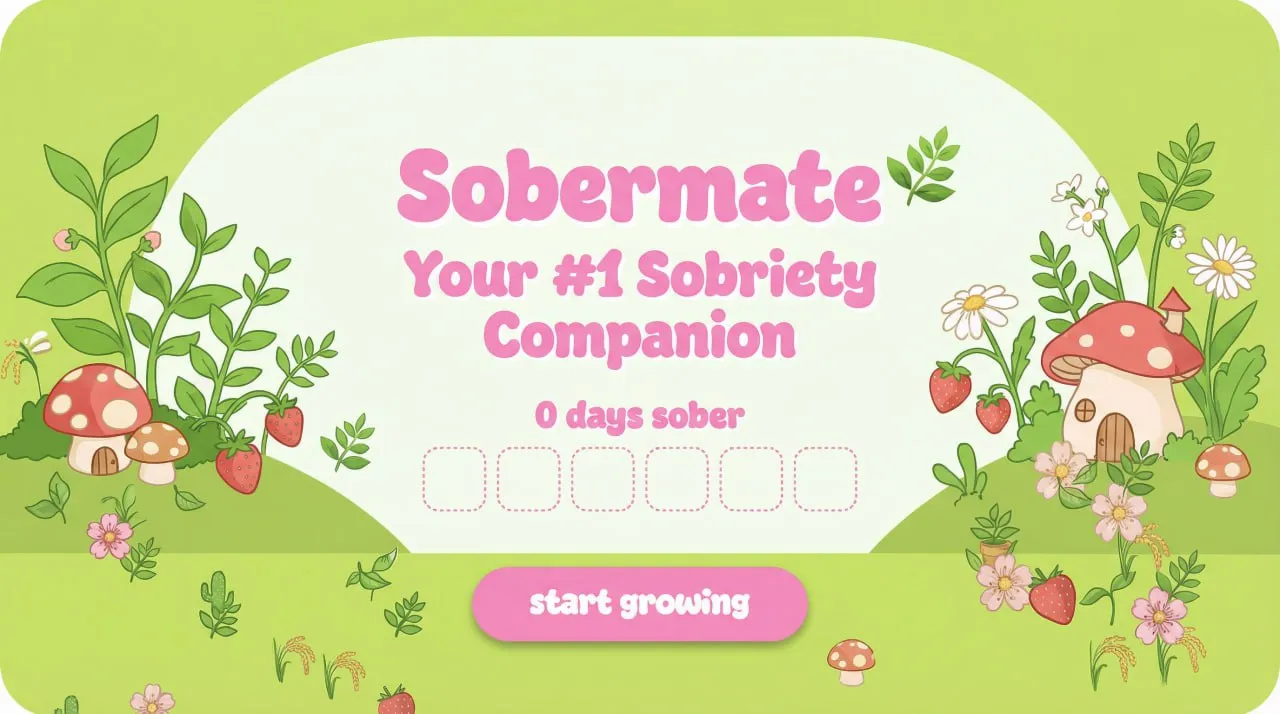
Sober Mate
Your #1 sobriety mobile app

Sleep Tracker

Spices App
Snake Game

Pregnancy Guide

Time Knit
Describe Your App and Watch It Build
Start free, preview on your phone in minutes, and ship to Google Play and TestFlight when it is ready.
Why Fastshot Is the AI App Builder to Pick
Plain English In, Real App Out
No coding, no technical jargon, no visual editor to learn. Say what the app should do and the AI builds it — then keep talking to change it.
Native, Not a Web Wrapper
Fastshot generates React Native that compiles to native iOS and Android components. Your app behaves like an app, with full access to device features, and the stores treat it as one.
Preview on Your Phone
Scan a QR code with Expo Go and use your app on your actual device while it is being built. Every change shows up on the phone.
Backend When You Need One
Accounts, a database, file storage and real-time data come from Supabase — ask for them and Fastshot sets up and manages the backend. Payments come from RevenueCat or Adapty.
Own the Code
Download the full React Native + Expo source or push it to GitHub. Modify it yourself or hand it to any React Native developer; there is no vendor lock-in.
Publishes to Both Stores
Signed APK and AAB for Android, uploaded straight to Google Play; a signed iOS build uploaded straight to TestFlight. Cloud Macs do the compiling, and Fastshot generates the App Store screenshots and helps with the listing metadata.
Everything You Need to Launch and Earn
Building the app is half the job. Fastshot also covers what it takes to make money from it and get it into the stores.
Subscriptions and Paywalls
Connect RevenueCat or Adapty in the Monetization tab and ask the AI for a paywall. Subscriptions and in-app purchases work through the App Store and Google Play billing.
Accounts on a Managed Backend
Sign-up, login, a database and file storage on Supabase. Fastshot can create and manage the backend for you.
Push Notifications
The app is native, so push notifications work like in any App Store app. Use them to bring users back.
App Store Screenshots and Metadata
Fastshot generates the App Store screenshots and helps fill in the listing: description, category, age rating and review details.
Store Builds From the Cloud
Signed builds upload to Google Play and TestFlight without a Mac, Xcode or Android Studio on your side.
AI Features Without API Keys
Chat, image understanding, image generation and speech-to-text are built into the app through Fastshot, the kind of features users pay for, with no keys of your own.
Ways to Build an App, Compared
| Method | Time to First App | Typical Cost | Flexibility | Best For |
|---|---|---|---|---|
| Learn to code | Months | Your time | Unlimited | Future developers |
| Drag-and-drop no-code builder | Days | Monthly subscription | Limited to the platform’s blocks | Simple apps |
| AI app builder (Fastshot) | Hours | Free to start | High — the code is yours | Most people |
| Hire developers | Months | Tens of thousands and up | Unlimited | Funded teams |
Without Code Is Not Without Control
Traditional no-code builders keep you inside their editor: what you can build is what their blocks allow, and what you build stays in their format. An AI app builder removes the coding, not the code. Fastshot generates an ordinary React Native + Expo project — components, navigation, state, TypeScript — and shows every file in the editor. You do not have to read it to ship an app, but when you outgrow the builder you export the project and continue with a developer instead of starting over. That is the difference between not needing to code and not being allowed to.
Common Mistakes on a First App
Building Before Validating
The biggest mistake is building an app nobody wants. Talk to potential users first. With an AI builder the preview is cheap, so put it in front of people early.
Scope Creep
Adding “just one more feature” delays launch indefinitely. Ship a minimal version first and add features after you have real users asking for them.
Ignoring One Platform
Building for only iOS or only Android cuts your audience in half. Generate both from one project so neither store is an afterthought.
Skipping Real-Device Testing
You are too close to your app to see its problems. Install it on real phones and watch other people use it — their confusion reveals what you cannot see.
What AI Builders Can and Cannot Do
AI app builders excel at generating standard application patterns: CRUD interfaces, form handling, navigation flows, list displays, authentication screens, and common UI components. They handle the repetitive work that consumes most development time. However, AI builders have limitations. Highly novel features without established patterns may require manual refinement. Complex algorithms specific to your domain might need human implementation. Performance-critical code paths sometimes benefit from hand optimization. The sweet spot for AI app builders is applications that combine existing patterns in new ways — which describes most business applications, productivity tools, and consumer apps.
AI App Builder FAQ
Can AI build a complete mobile app for me?
Yes. With Fastshot you describe the app in plain language and the AI builds a complete iOS and Android app: screens, navigation, a backend, sign-in, subscriptions and AI features. The first version takes about 5 to 7 minutes. You refine it by chat, test it on your phone, then Fastshot publishes it to the App Store and Google Play.
What is the best AI mobile app builder?
It depends on what you are building. For a native iPhone and Android app you publish to the App Store and Google Play, Fastshot is the best AI mobile app builder. For AI mobile prototyping with a faster on-ramp, Rork. Lovable, Bolt.new and v0 build web apps. The best AI app builders page compares them all.
Which AI tools can build a native iOS and Android app from a text prompt?
As of October 2026, Fastshot builds iOS and Android apps from a text prompt and publishes them to the App Store and Google Play. Rork, Vibecode, Newly, OnSpace, Anything and Replit also generate mobile apps from prompts, and Bolt.new does so for Expo projects. Compare them in detail.
Can AI actually build an app?
Yes, and not just a prototype. In Fastshot the AI writes the whole React Native + Expo project from your description — screens, navigation, data, a Supabase backend if you ask for one — and you run it on your phone straight away. When it is ready, cloud builds produce the signed Android and iOS builds and upload them to Google Play and TestFlight.
Can ChatGPT build an app?
ChatGPT can write pieces of code, but it cannot run, build, sign or publish an app — you would still assemble the project, set up Android Studio or Xcode, and handle signing yourself. Fastshot writes the whole app, lets you test it on your phone with Expo Go, then builds and uploads it to the stores.
How does an AI app builder work from a prompt?
You describe the app in Fastshot — screens, data, what the user does — and the AI writes a complete React Native + Expo project: navigation, state, API calls, a Supabase backend if you need one. You scan a QR code to run it on your phone, then refine in chat: 'add a cart', 'change the colors'. When it is ready, a cloud build produces the APK, AAB or iOS build for the stores.
How can I build an app for both Android and iOS?
Build it once. Fastshot writes your app in React Native + Expo, and the same project compiles for both platforms: a signed APK or AAB for Android, uploaded to Google Play, and a signed iOS build uploaded to TestFlight. You never maintain two codebases.
Is there a free AI app builder?
Yes. Fastshot's free tier covers generating the app and previewing it on your phone via Expo Go; source export and cloud builds for the stores are in paid plans. The unavoidable costs are the same for every tool: $99/year for an Apple Developer account and $25 once for Google Play. See the free mobile app builder comparison for the full landscape.
Can I build an app without coding?
Yes — that is the point of the category. In Fastshot you never write code: describe the app in plain English, preview it on your phone, iterate in chat and build for the stores. The code exists and you can export it or push it to GitHub when you want a developer to extend it, but that is an option, not a requirement.
Can I publish an app built without code to the App Store and Google Play?
Yes. Fastshot produces real native apps, not web wrappers, and builds them the way a developer would — a signed AAB for Google Play and a signed iOS build for TestFlight and App Store review. You still need the store accounts: a Google Play developer account ($25 once) and an Apple Developer Program membership ($99 a year).
How long does it take to build an app?
With an AI builder, a simple app is running on your phone within the hour, and a first store submission is a matter of days rather than months. Scope is the biggest factor; store review adds up to a day or two on Apple and up to a week on Google Play.
How much does it cost to build a mobile app?
Hiring a team typically runs from tens of thousands of dollars upward; a drag-and-drop builder is a monthly subscription. With Fastshot you start free and pay for more AI credits and cloud builds. Whatever you use, the store accounts cost the same: $25 once for Google Play and $99 a year for Apple.
Should I build for iOS or Android first?
Build for both at once — with a React Native project there is no reason to choose. If you must launch on one, iOS users tend to spend more on apps, while Android has the larger global audience.
Can an AI app builder create Android apps?
Yes. Fastshot generates React Native and compiles a signed APK or AAB in the cloud, with no Android Studio on your machine. The APK installs directly on a phone for testing; the AAB is what Google Play requires, and Fastshot uploads it for you. Details are on the APK builder page.
Is AI-generated code production quality?
Fastshot generates code following React Native best practices that professional developers would recognize — functional components, TypeScript, standard Expo structure — suitable for production and maintainable by any React Native developer. The honest limit: on very large codebases a developer should own the architecture decisions.
Can AI build any type of app?
AI builders work best for apps with established patterns: business tools, social apps, e-commerce, content apps, marketplaces and productivity software — the bulk of what ships to the stores. Highly specialized apps such as 3D games or scientific simulations still need traditional development. Fastshot covers the first group end to end.
What happens when I need features the AI cannot create?
Describe the problem in chat first — Fastshot's automatic verification loop rebuilds and fixes runtime errors on its own. If a feature still resists, export the code and add it manually: because Fastshot generates standard React Native, any React Native developer can extend it. You are never locked into the platform.
Does Google have an AI app builder?
Google's Firebase Studio and AI Studio generate web app prototypes from prompts, and AppSheet builds internal business apps from data. None of them ships a native App Store or Google Play app from a description — for that you need a mobile-specific builder like Fastshot, which generates React Native and compiles store-ready builds in the cloud.
Is there an AI app builder for websites too?
Yes, and that is a different category: Lovable, Bolt.new, v0 and Replit generate web apps from prompts. Fastshot is the mobile counterpart — native iOS and Android from the same kind of description. The two combine well: a web dashboard from a web builder and a mobile app from Fastshot can share one Supabase backend. All eleven are compared in our best AI app builders review.
Can I add subscriptions or a paywall to an AI-built app?
Yes. In Fastshot you connect RevenueCat or Adapty in the Monetization tab and ask the AI to add a paywall; the app then sells subscriptions and in-app purchases through App Store and Google Play billing. You create the products in App Store Connect and the Play Console as usual.
Can an AI app builder make my App Store screenshots?
Fastshot can. It generates App Store screenshots from your app and helps fill in the listing metadata: description, category, age rating and review details, so the submission is not a separate project.
Does an AI-built app get a backend and user login?
In Fastshot, yes when you need one: sign-up, login, a database and file storage on Supabase. Fastshot can create and manage the backend for you.
Do I need a Mac to build iOS apps with an AI builder?
No. Fastshot builds the iOS app on cloud Macs, so you can make an iPhone app from Windows, Linux, a Chromebook or a phone with a browser. See the IPA generator and Xcode for Windows.
Can I export my code and host the app myself?
Yes. Fastshot generates a standard React Native + Expo project that you can download or push to GitHub on a paid plan. You own the code and can hand it to any developer.
What is the best mobile app builder?
For a native iPhone and Android app, Fastshot: one description builds both apps, and it publishes them to the App Store and Google Play. Compare the no code app builder options, the free app builder options and the best AI app builders in 2026.
Build Your App With AI Today
Describe your idea and have a real iOS and Android app running on your phone in minutes — no coding required. Publish to Google Play and the App Store when it is ready.