Back to Home
    Published: Dec 31, 2025Last updated: Feb 11, 2026

    Mobile App Development Tools
    The Developer Toolkit

    Mobile development requires a collection of tools working together. This guide covers the essential categories and specific tools used by professional mobile developers.

    IDEs & EditorsTesting ToolsDesign SoftwareDevOps & CI/CD

    Building Your Development Toolkit

    Professional mobile development involves more than a code editor. Teams use integrated development environments, version control, testing frameworks, design tools, analytics platforms, and continuous integration systems. Understanding this ecosystem helps you work more effectively or evaluate development partners.

    Tool choices depend on your development approach. Native iOS requires Xcode. Native Android requires Android Studio. Cross-platform development offers more flexibility—React Native developers often prefer VS Code, while Flutter developers may use Android Studio or VS Code with appropriate extensions.

    AI-powered development platforms like Fastshot change the tool landscape by handling many tasks automatically. Code generation, project structure, and even builds happen within the platform, reducing the number of tools you need to learn and maintain.

    Essential Tool Categories

    Integrated Development Environments

    Xcode for iOS, Android Studio for Android, VS Code for cross-platform. These provide code editing, debugging, simulators, and build tools in one package.

    Version Control

    Git is standard, typically with GitHub, GitLab, or Bitbucket for hosting. Essential for tracking changes, collaboration, and maintaining code history.

    UI/UX Design Tools

    Figma leads the market for collaborative design. Sketch remains popular for macOS users. These tools create designs that developers implement.

    Testing Frameworks

    Jest and React Testing Library for React Native unit tests. Detox or Appium for end-to-end testing. XCTest for native iOS, Espresso for Android.

    CI/CD Platforms

    GitHub Actions, Bitrise, CircleCI, or Fastlane automate building, testing, and deployment. Essential for maintaining quality as projects grow.

    Analytics and Monitoring

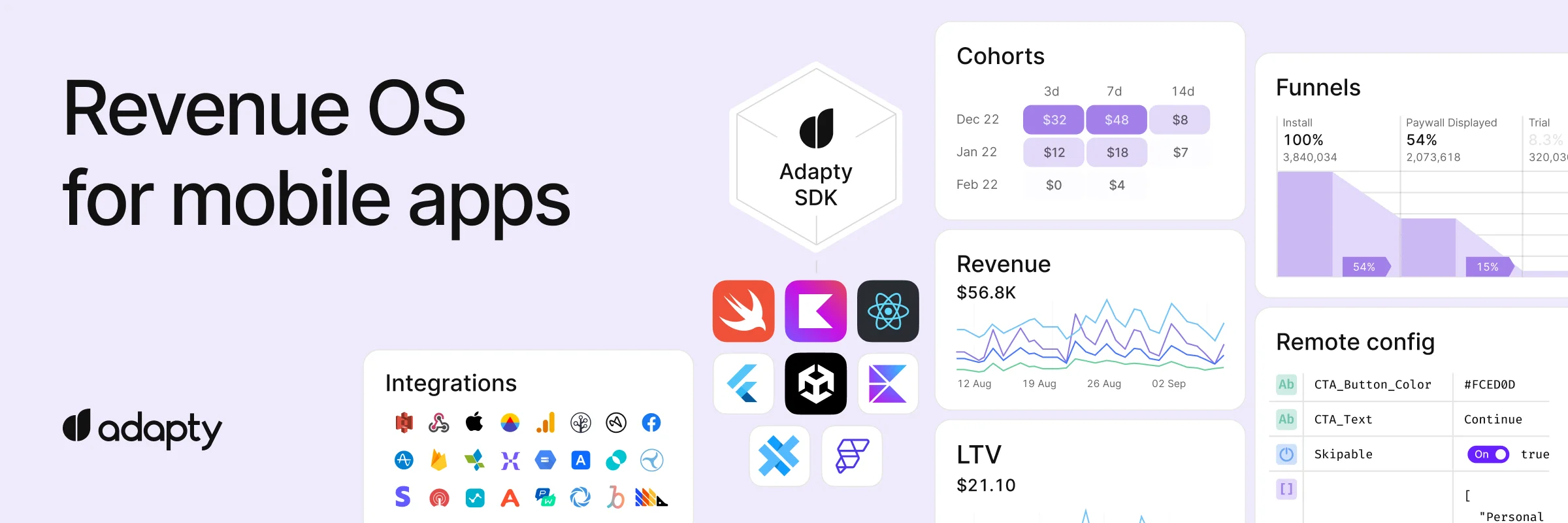
    Firebase Analytics, Mixpanel, or Amplitude for usage tracking. Sentry or Crashlytics for error monitoring. Essential for understanding user behavior and issues.

    Backend Services

    Supabase, Firebase, or AWS Amplify provide authentication, databases, and storage without building custom backends. Dramatically simplifies app development.

    AI Development Platforms

    Fastshot and similar tools use AI to generate code from descriptions. These reduce or eliminate the need for traditional coding tools for many projects.

    IDE Comparison

    IDEBest ForPlatformsCost
    XcodeNative iOS/macOSmacOS onlyFree
    Android StudioNative Android, FlutterWindows, macOS, LinuxFree
    VS CodeReact Native, Flutter, WebAll platformsFree
    JetBrains FleetKotlin MultiplatformAll platformsPaid

    Development Tools FAQ

    Simplify Your Toolkit

    Fastshot handles code generation, project structure, and builds. Focus on your app, not tool configuration.

    About the Author

    Elvira Dzhuraeva is an expert in AI mobile app development and React Native. A former Senior Product Manager at Google specializing in AI/ML and Generative AI, she is the Founder of Fastshot (YC-backed) and a founding contributor to Kubeflow.

    AI Mobile App DevelopmentReact NativeAI Developer ToolsVibecodingAI/ML Ops